Arrangement
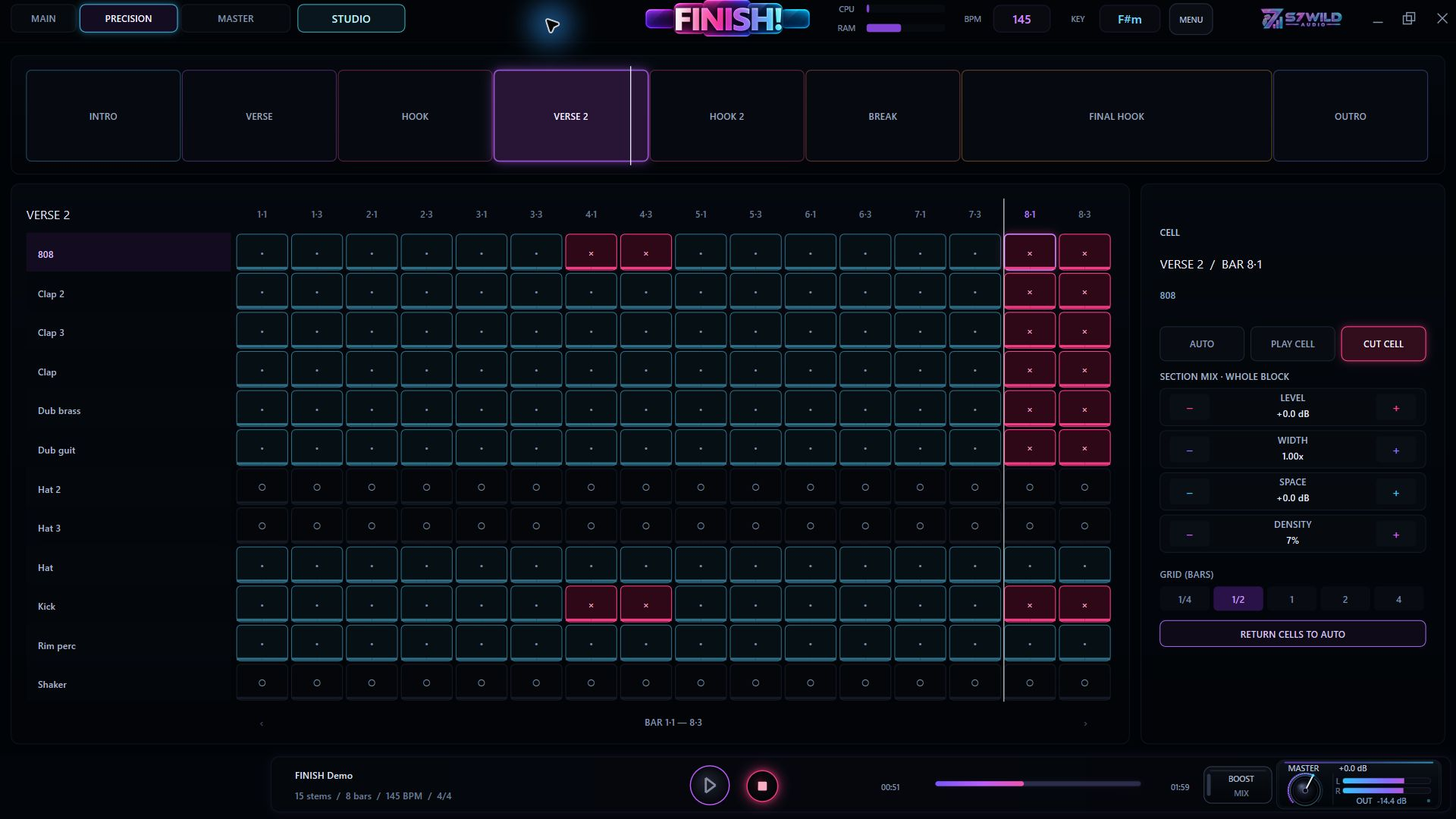
Sections, variations and breaks: FINISH! builds the structure from your tracks.
Import the loops from your idea. FINISH! builds the arrangement, mix and transitions. Shape the result all the way to export.
Founder offer · First 100 sales
Perpetual licence · No subscription
Base price · Any local taxes are shown before payment.
Perpetual licence. The first 100 eligible buyers receive FINISH! 2 when it is released.

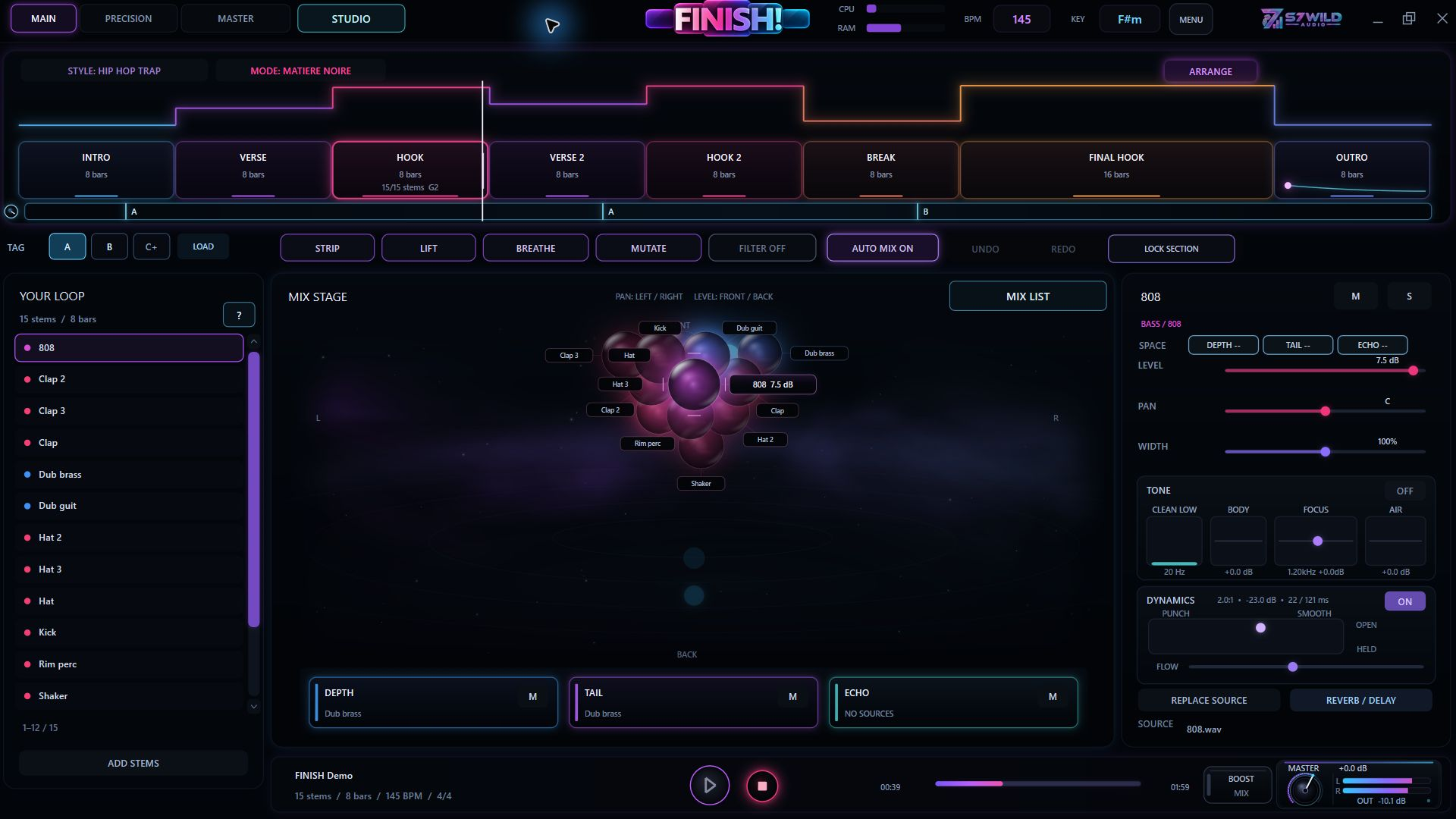
Import an audio loop or the separate loops from the same idea. FINISH! arranges this material into sections, with variations and transitions. You can reshape the arrangement, mix and master.
Sections, variations and breaks: FINISH! builds the structure from your tracks.
Cuts, effects and transitions move the beat from one section to the next.
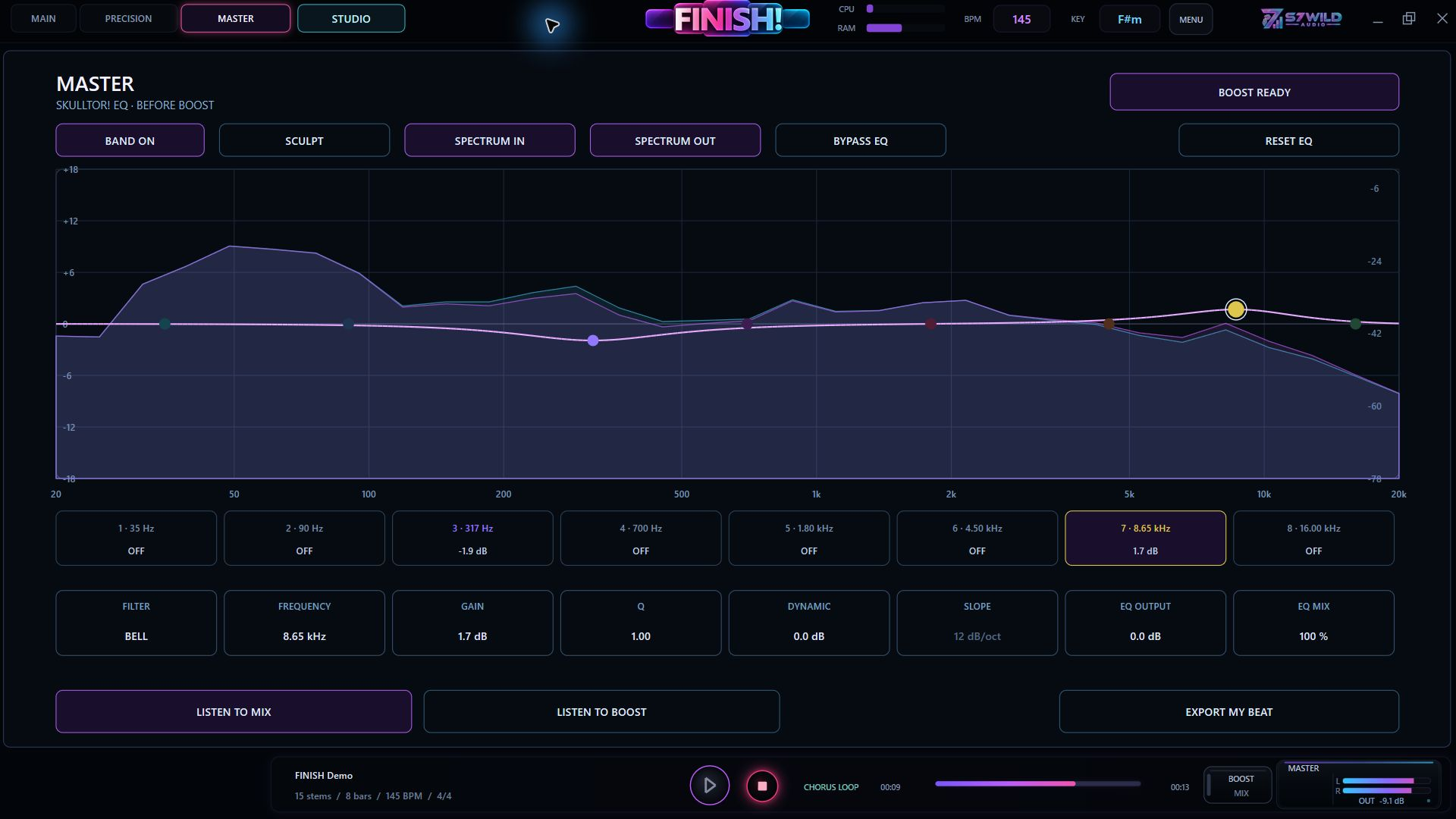
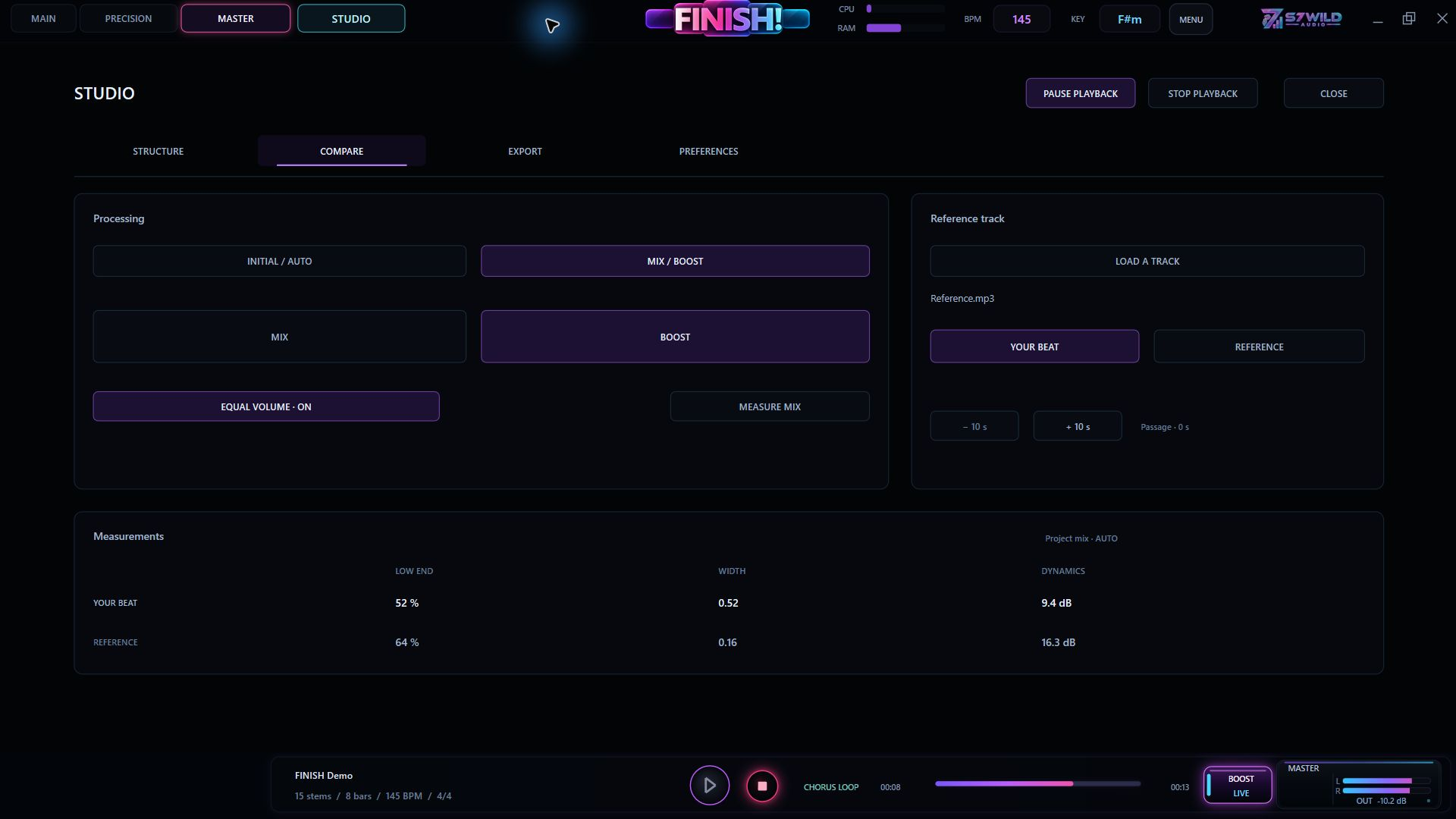
The mix is generated inside FINISH!. Adjust the master, then choose your WAV, MP3 and stem exports.
Stereo mix in 24-bit WAV or 320 kbps MP3, with or without BOOST.
Individual tracks in WAV, raw or processed. Tagged exports are available when the project includes a producer tag.

FINISH! supports ASIO audio output on Windows.
ASIO is a trademark of Steinberg Media Technologies GmbH, registered in Europe and other countries.
Starting loops, exports and activations.
Import your loop on its own or as separate tracks from the same idea. FINISH! automatically builds a beat arrangement with sections, variations and transitions. Refine the arrangement, mix and master, then export your finished beat.
Import up to 32 mono or stereo audio tracks from the same idea. WAV or AIFF is recommended; other listed formats depend on Windows codecs. MIDI is not imported.
FINISH! generates the arrangement, mix, effects, cuts and transitions. You can reshape the arrangement, mix and master.
Choose MIX or BOOST in WAV or MP3, raw or processed tracks in WAV and, when the project includes a producer tag, tagged versions.
One licence allows three simultaneous activations, managed from your S7WILD account. Initial activation by code requires an Internet connection.
Stuck in an 8-bar loop? FINISH! uses your audio loops to generate a beat arrangement, mix and transitions. Refine the structure, variations and master, then export your finished beat.
Standalone application for Windows 10/11 (64-bit).
Works with Windows audio outputs. A compatible ASIO® driver is optional for low latency.
One licence allows three simultaneous activations. Orders and downloads are available in your S7WILD account.
Check my setup with supportThe licence for the purchased version remains perpetual and is not a subscription. Technical activation uses a renewable certificate: the software attempts automatic verification after 24 hours, and the issued certificate is valid for up to 30 days from issuance. Internet access is needed for initial activation and to renew the certificate before it expires. An extended lack of connectivity can therefore suspend licensed functions until verification succeeds, without itself removing the acquired rights or projects. Statutory rights and support still apply.
Coming soon
Founder offer · First 100 sales
Perpetual licence. The first 100 eligible buyers receive FINISH! 2 when it is released.
Perpetual licence · No subscription · 3 activations
Base price · Any local taxes are shown before payment.