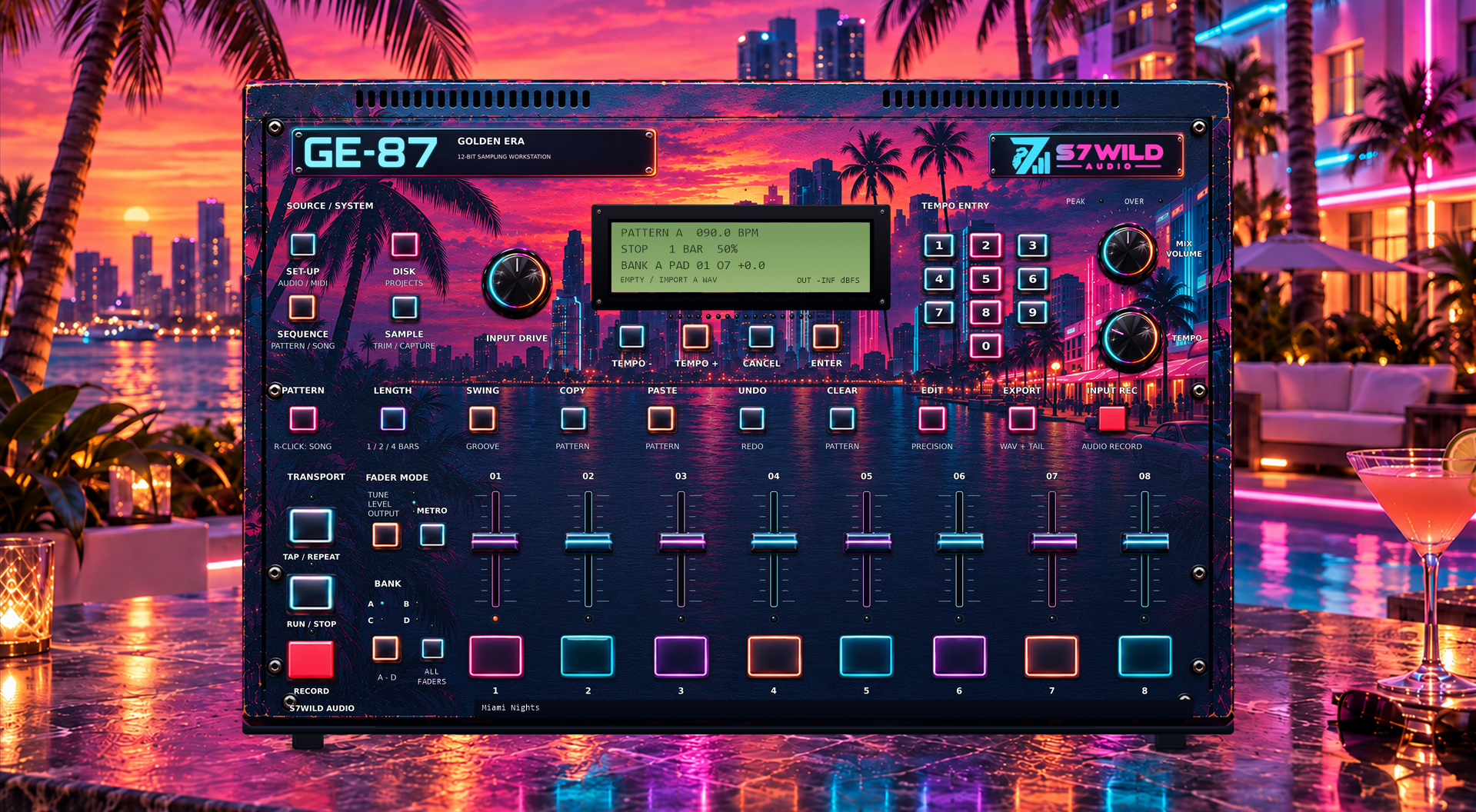
Sampling and trimming
Import a sample or record an audio source. Set precise start and end points in the SAMPLE editor.
Discover a way of making beats inspired by the samplers that shaped the '80s and '90s: 12-bit character, pads and the pleasure of building a beat one sample at a time.
Perpetual licence · No subscription
This interactive preview runs in your browser. It is separate from a full Windows trial and the Challenge edition.
The same beat, exported from GE-87 in 1987, MODERN ERA and DIGITAL ERA.
12-bit grain and vintage output character.
The three modes play one after another. Switch modes during playback to compare the same passage.
Imagine making music on a sampler inspired by the machines that shaped the '80s and '90s. Their distinctive grain, their controls, their hands-on workflow — and, above all, the limitations that pushed producers to dig deeper, experiment and do more with less. A different chop, a slowed-down sound or a few notes played on the pads could lead to an unexpected groove.
We created GOLDEN ERA GE-87 out of love for those legendary machines. We wanted to bring back that direct connection to sampling, where every decision matters, a track takes shape bit by bit and discovering something unexpected is part of the fun.
Whether you grew up with vintage samplers or you're discovering them today, GE-87 invites you into that way of creating. Load your sounds, chop them, reshape them, play them on the pads and build a beat one pattern at a time. The 1987 mode offers vintage-inspired coloration; MODERN gives you a more even response with the same workflow. DIGITAL ERA plays the original FLOAT32 source with neutral outputs.
Import your own audio or capture a source directly inside GE-87.
Set the useful section in the SAMPLE editor, then spread your sounds across banks A, B, C and D.
Record a live pad performance, set your pattern length and work with swing or groove.
Build a song from your patterns, save the project and export the mix or separate outputs.
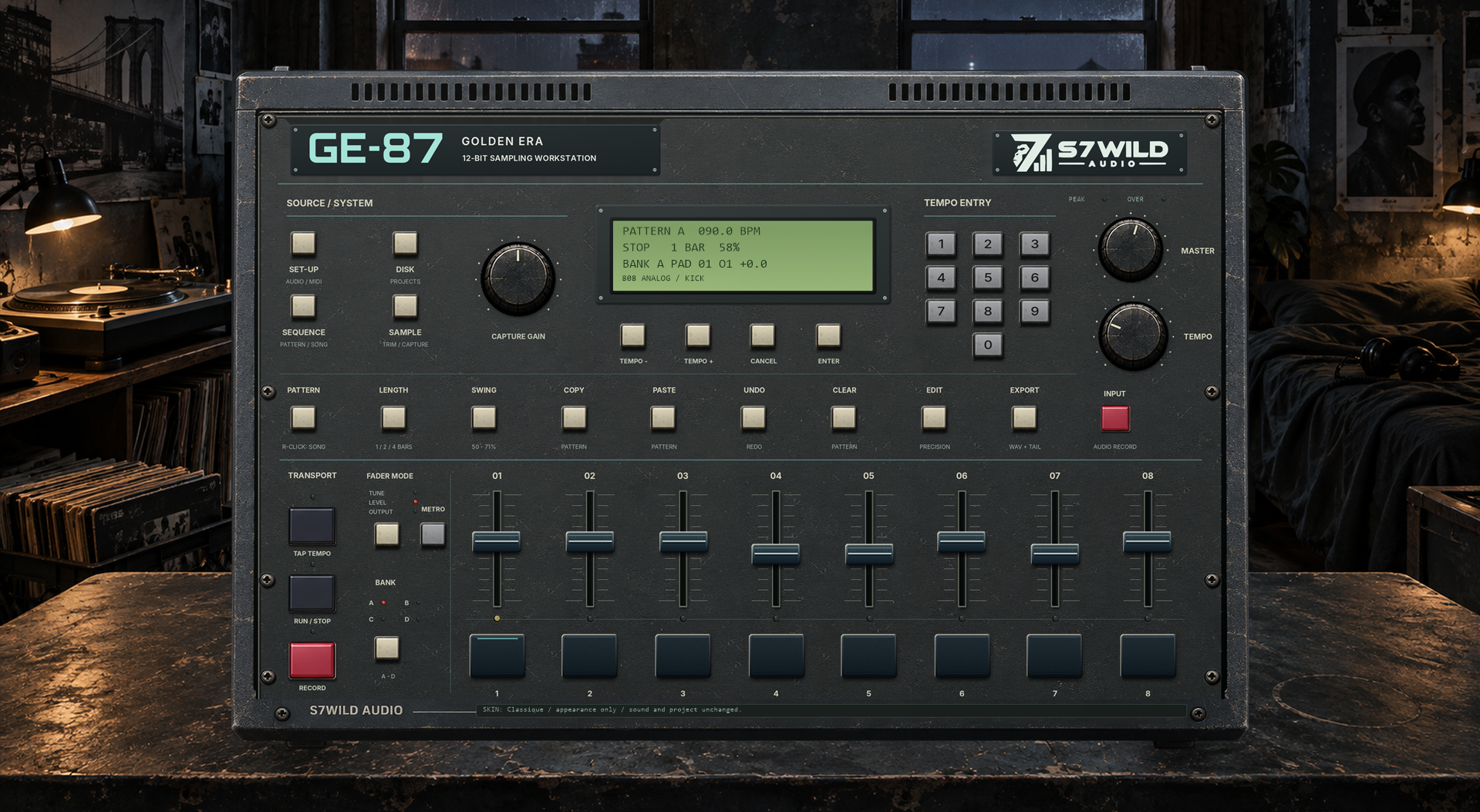
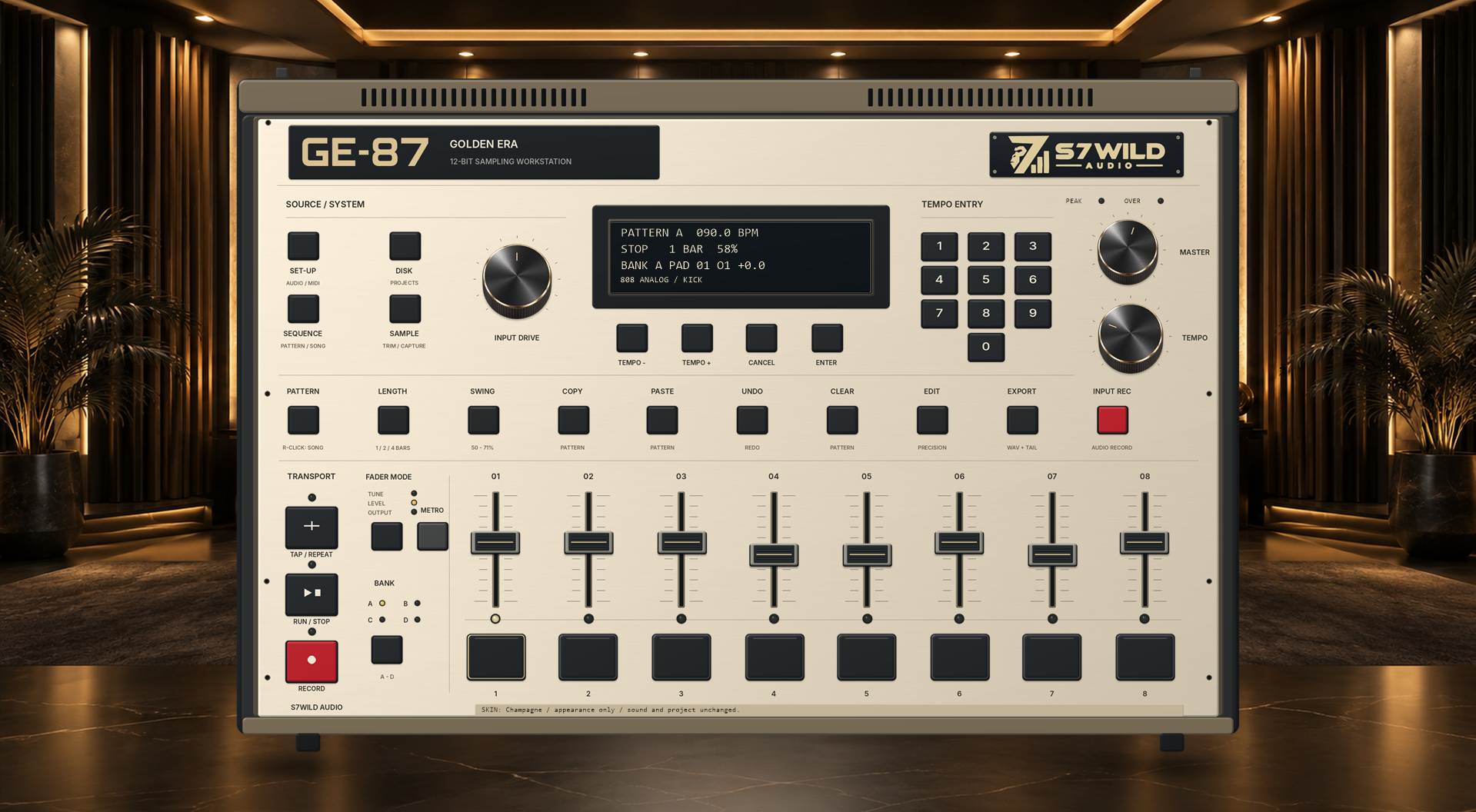
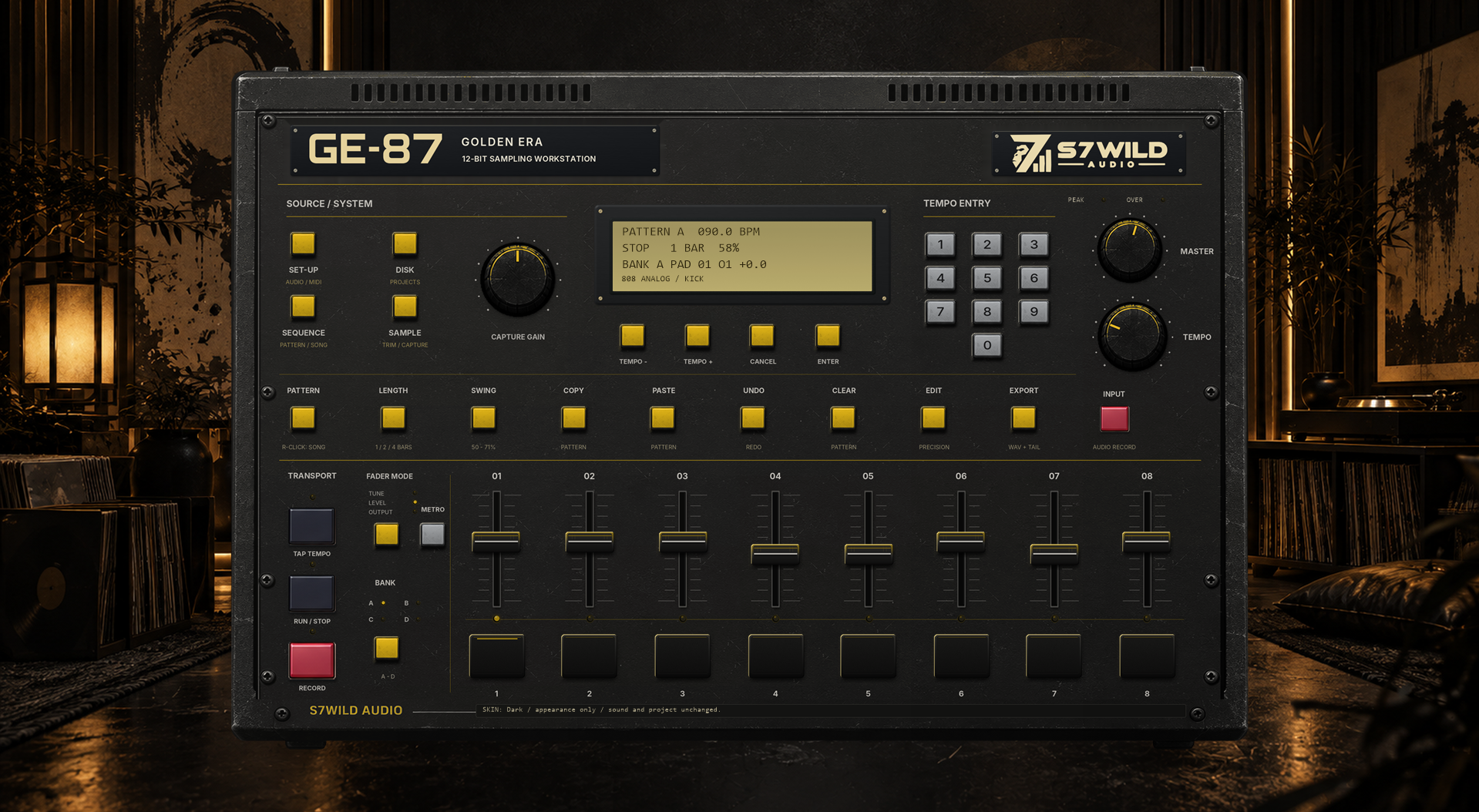
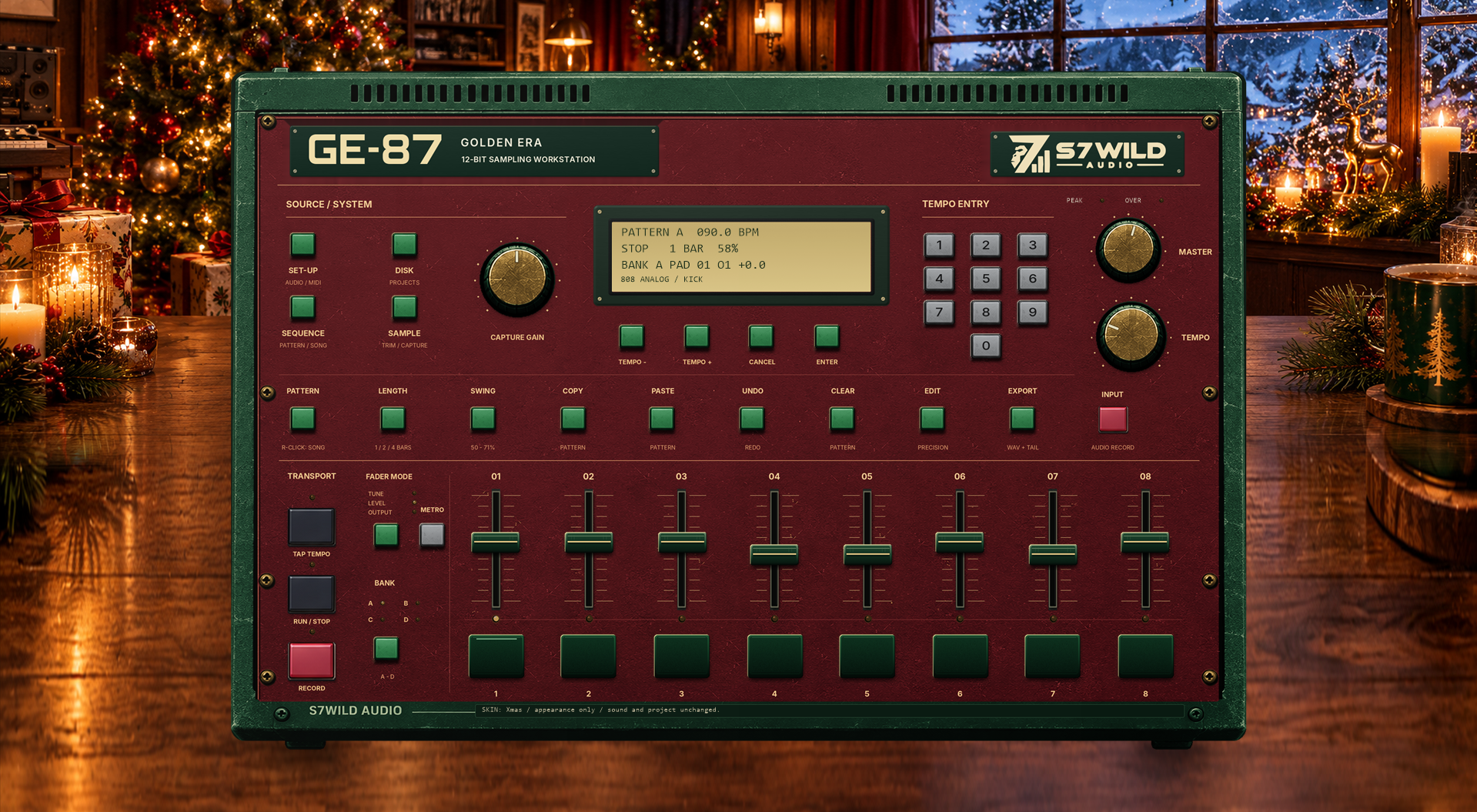
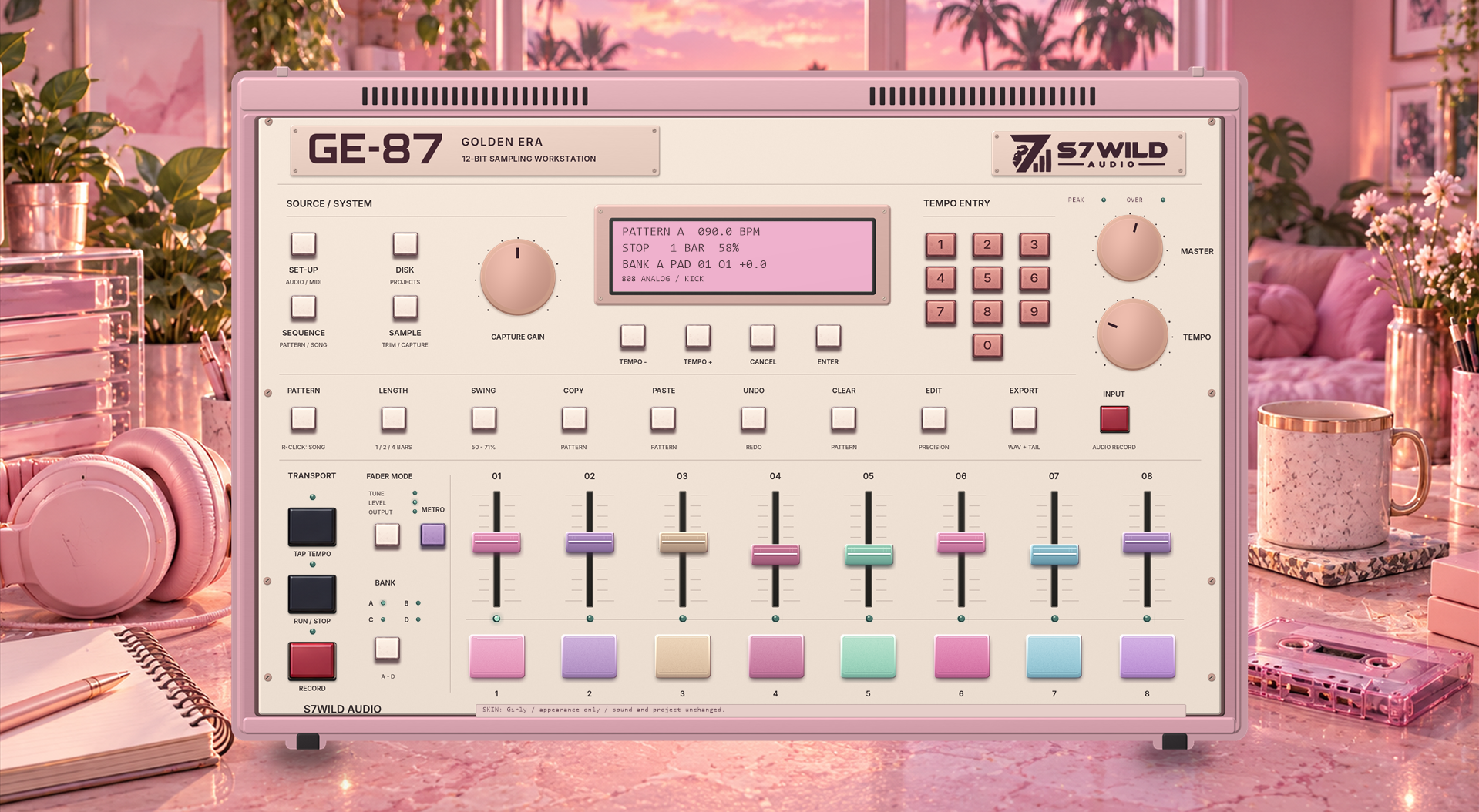
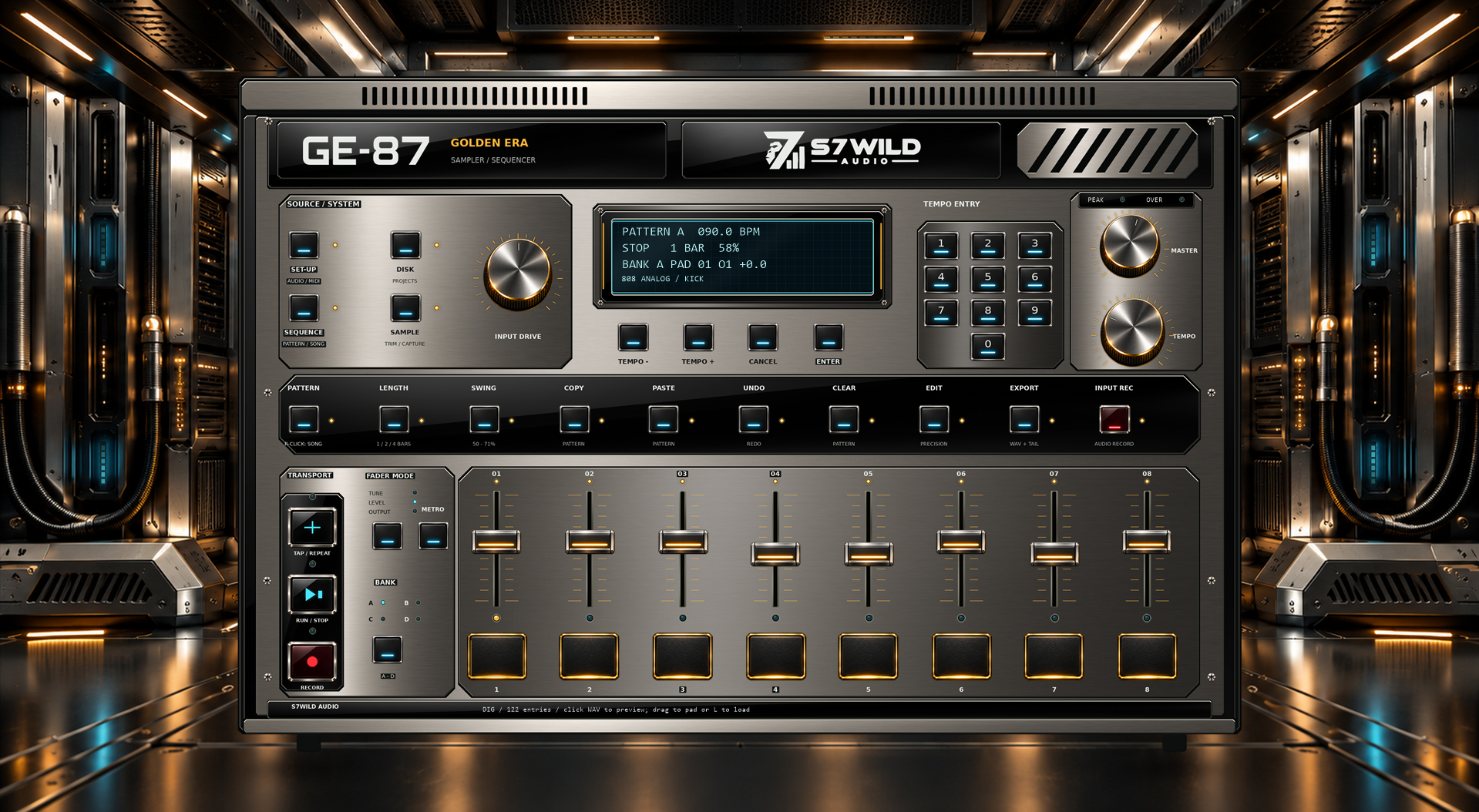
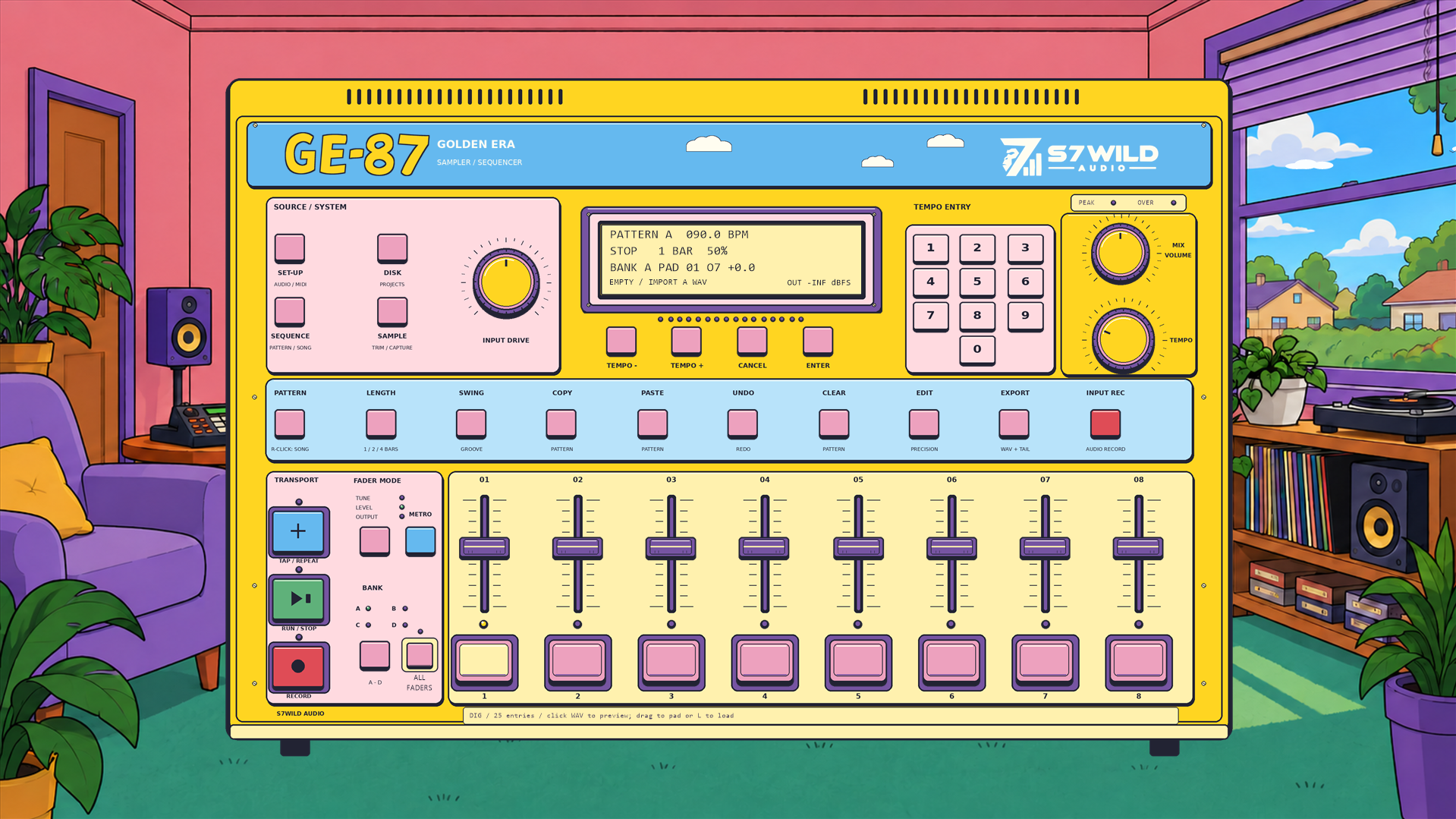
Sampling, sequencing, mixing and MIDI control, with the essential controls right on the front panel.
Import a sample or record an audio source. Set precise start and end points in the SAMPLE editor.
Eight pads per bank, A through D. Build your kits and switch banks as you work.
Record pads in real time, edit patterns and arrange their order into a complete track.
Adjust note timing and give patterns their own movement while keeping the feel of a live performance.
Select TUNE, LEVEL or OUTPUT mode to control pitch, level or output routing from the front panel.
Play the pads from a MIDI keyboard or controller. Map buttons, faders and knobs directly with MIDI MAP.
Save and reopen sessions through DISK. Built-in kits offer a quick starting point.
Export a WAV mix or separate outputs for further mixing in your preferred software.
Three sound characters in one machine. Switch modes while keeping your pads, patterns and way of working.
The 12-bit engine with output coloration inspired by classic samplers.
The same 12-bit engine with neutral outputs, for a more consistent character across all eight outputs.
Playback of the original FLOAT32 source at its native sample rate, with neutral outputs to retain source quality.

GOLDEN ERA GE-87 · Windows · ASIO®
ASIO is a trademark of Steinberg Media Technologies GmbH, registered in Europe and other countries.
From November 17 to December 17, 2026, enter the GE-87 Challenge. Seven personalised CHAMP EDITION licences will reward the jury’s selection.
The contest demo is available only during the Challenge. Purchased licences remain perpetual.
A validated entry earns a personal 25% discount on GE-87: €36.75 instead of €49.
The 2026 ChallengeStandalone application for Windows 10/11 (64-bit).
GE-87 supports ASIO® on Windows, but an ASIO driver is not required.
One licence allows three simultaneous activations. Orders and downloads are available in your S7WILD account.
Check my setup with supportRead the getting started guide
The licence for the purchased version remains perpetual and is not a subscription. Technical activation uses a renewable certificate: the software attempts automatic verification after 24 hours, and the issued certificate is valid for up to 30 days from issuance. Internet access is needed for initial activation and to renew the certificate before it expires. An extended lack of connectivity can therefore suspend licensed functions until verification succeeds, without itself removing the acquired rights or projects. Statutory rights and support still apply.
Perpetual licence · No subscription
GE-87: base price €49. For international sales, applicable local taxes are added and the total is shown before payment.
GE-87 includes free, unlimited MASTER! in your browser.
MASTER!GE-87 brings sampling, pads and sequencing together in a standalone Windows application. Import sounds, trim samples, play patterns and arrange them in SONG mode. Choose the character of 1987, MODERN or DIGITAL ERA while keeping the same controls.
When the arrangement is ready, export the mix as WAV or export separate outputs to continue mixing. A GE-87 licence recognised in your S7WILD account also gives you free, unlimited MASTER! access to finish tracks in your browser.
Create and sample your sounds with GE-87